UIDAI Appointment Tips That Make Your Aadhaar Visit Smooth and Simple

Getting your Aadhaar work done quickly depends on planning your visit properly. Whether you want to update your mobile number, correct details, or apply for a new Aadhaar, booking a UIDAI appointment and preparing in advance can save time and avoid repeat visits.
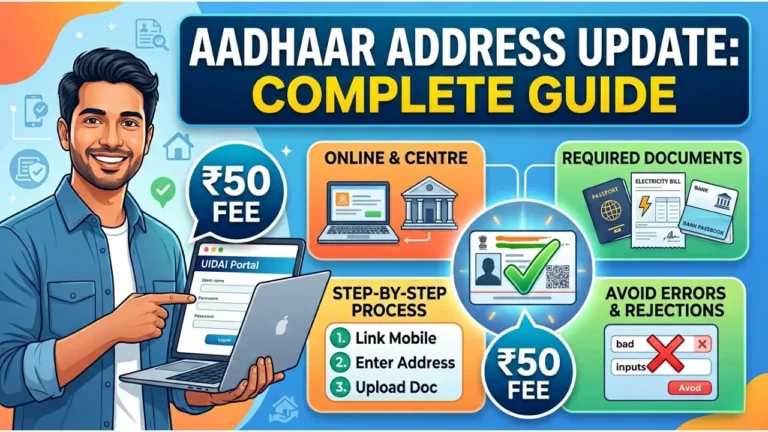
Read More: UIDAI Address Update Procedures
What Is a UIDAI Appointment?
A UIDAI appointment is a pre-booked time slot to visit an Aadhaar centre for services like enrolment or updates. It helps reduce waiting time and gives you a fixed window to complete your work.
In busy cities, people often wait for hours without an appointment. With a booked slot, your process usually moves faster compared to walk-in visitors.
Steps to Book Aadhaar Appointment Online
Booking an Aadhaar appointment is simple and can be done from your phone or computer in a few minutes.
You need to:
- Select your city and nearby centre
- Choose the type of service (new enrolment or update)
- Pick a suitable date and time
- Enter your mobile number and verify with OTP
After booking, you receive a confirmation number which should be saved or noted down.
Best Time to Visit Aadhaar Centre
Choosing the right time can make your visit much easier. Early morning slots are usually less crowded compared to afternoons.
Mid-week days like Tuesday or Wednesday often have fewer visitors than Mondays or Saturdays. Try to avoid visiting during lunch hours, as service speed may slow down.
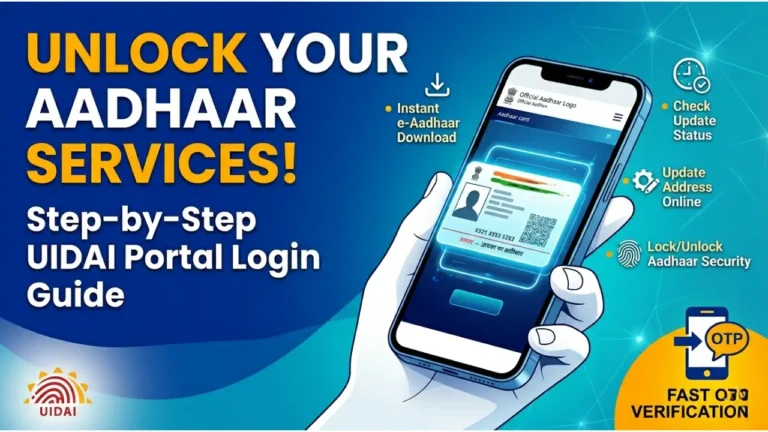
Read More: UIDAI Portal Login Guide
Documents Required for Aadhaar Services
Carrying correct documents is very important. Many people face delays because they bring incomplete or incorrect papers.
Here is a simple guide:
| Service Type | Documents Needed |
|---|---|
| New Aadhaar | Identity proof + Address proof |
| Address Update | Valid address document |
| Mobile Number Update | Usually no document, biometric required |
| Name or DOB Correction | Supporting identity proof |
Documents like PAN card, voter ID, passport, or utility bills are commonly accepted.
Common Mistakes People Make
Small mistakes can lead to rejection or delay in your Aadhaar work.
- Booking the wrong type of appointment
- Not carrying original documents
- Arriving late and missing the slot
Checking everything before leaving home helps avoid these issues.
How Long Aadhaar Work Takes
In most cases, your work at the centre takes around 15 to 30 minutes if everything is correct.
Biometric updates or busy centres may take slightly longer. After submission, updates are usually completed within a few working days, but delays can happen in some cases.
Read More: Aadhaar Card Download
Aadhaar Service Charges in 2026
Charges for Aadhaar services are kept low so that most people can afford them.
| Service | Fee (INR) |
|---|---|
| New Enrolment | Free |
| Demographic Update | 50 |
| Biometric Update | 100 |
Fees are paid at the centre, and digital payments are accepted at most locations.
Can You Visit Without Appointment
Yes, many Aadhaar centres allow walk-in visits. But you may have to wait longer, especially in crowded areas.
People with appointments are usually given preference, so booking in advance is a better option if you want to save time.
Quick Tips for a Smooth Aadhaar Visit
If you want your visit to go smoothly, keep these points in mind:
- Double-check documents before leaving
- Reach at least 10–15 minutes early
- Keep your mobile phone active for OTP
These simple steps can prevent unnecessary delays.
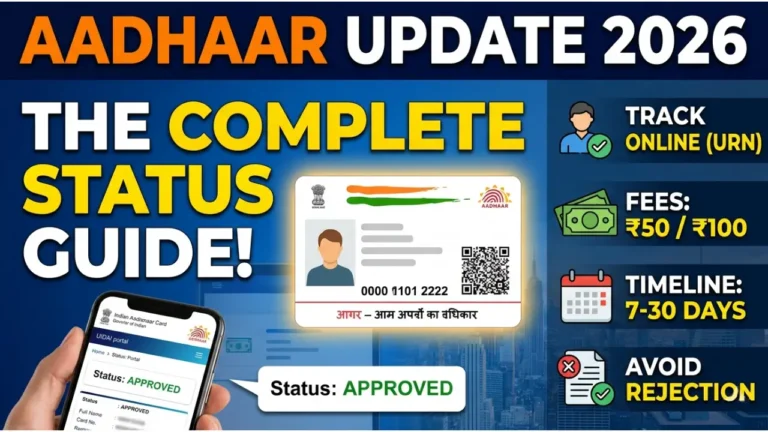
Read More: Aadhaar Card Status
FAQs
Is booking an appointment compulsory?
No, but it is recommended in busy areas to avoid long waiting times.
Can I change my appointment date?
Yes, you can reschedule using your booking details.
You may need to book a new slot or wait as a walk-in, depending on availability at the centre.
A little preparation can make your Aadhaar visit much easier. With the right timing, correct documents, and a booked slot, most people can complete their work in a single visit without hassle.
Read More: Aadhaar Enrolment