How to Update Aadhaar Card Details Online Through UIDAI in 2026
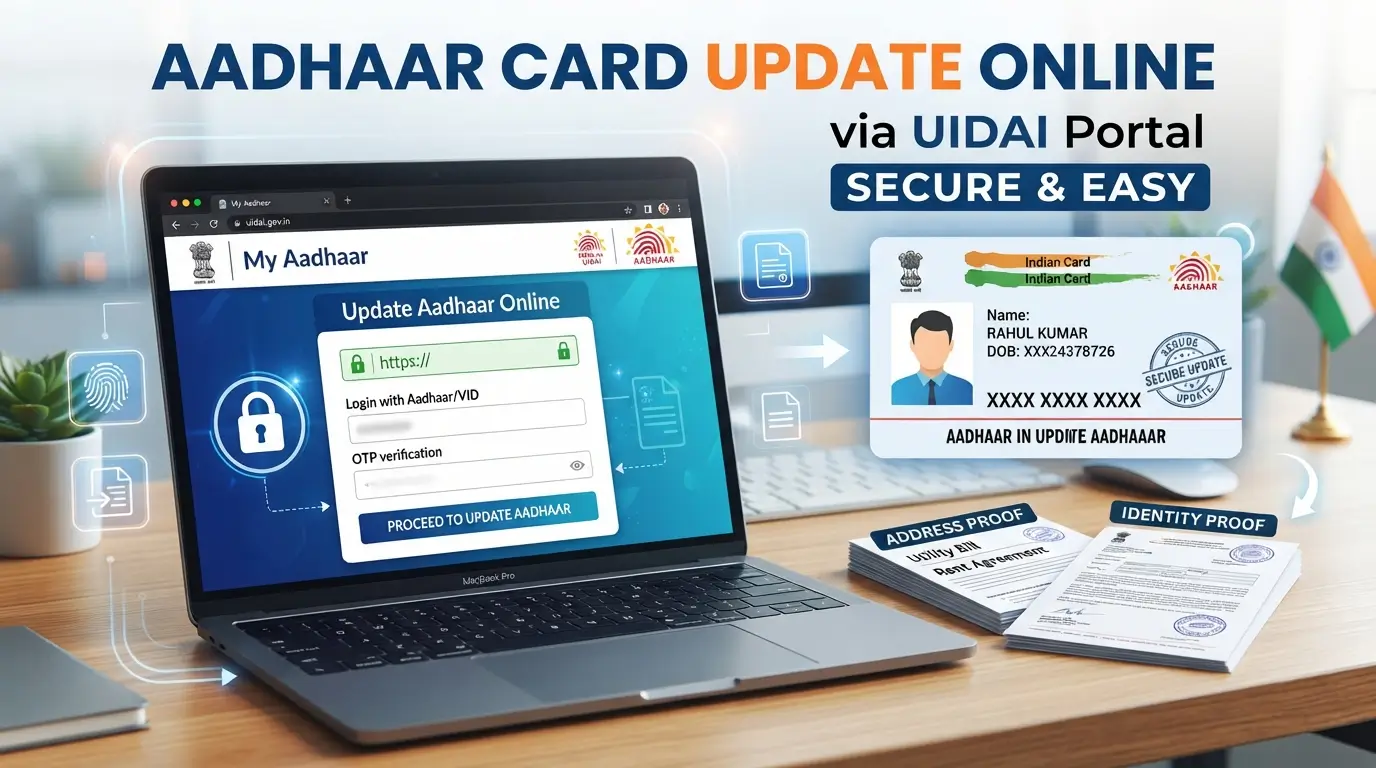
If your Aadhaar card contains an old address or your identification documents need updating, you can use UIDAI’s online services for eligible corrections. The process is simple for supported requests, but not every Aadhaar detail can be changed online. Address updates and document submissions are among the services available through the myAadhaar portal, while mobile number, biometric, and certain other corrections may require a visit to an Aadhaar centre.
This guide explains how to Update Aadhaar Card Details online, what documents you need, and how to check your request after submission.
Read More: UIDAI Portal Login Guide: Access
Which Aadhaar Details Can Be Updated Online?
The first step is understanding which information you want to change. UIDAI offers different procedures depending on the correction.
Address changes are commonly handled through online services. Aadhaar holders can also submit updated identity and address documents when the relevant facility is available.
For changes involving your name, date of birth, mobile number, or biometric information, visiting an Aadhaar Enrolment or Update Centre may be necessary.
Checking the available service before beginning can save time and prevent an incomplete application.
Documents Required for Aadhaar Update
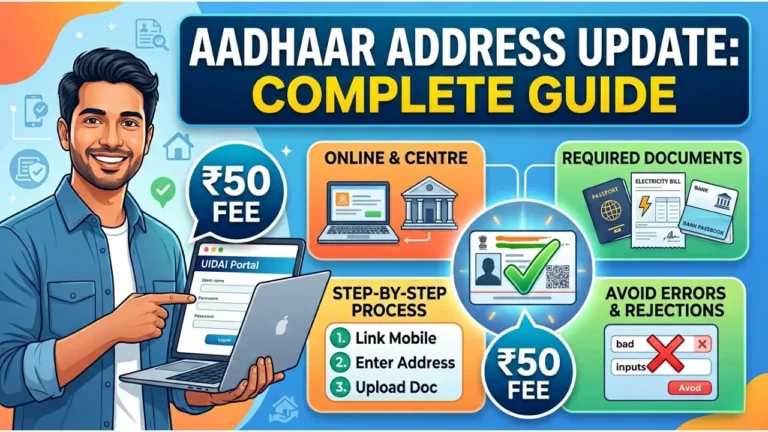
The documents depend on the type of information you want to correct. For an address change, you generally need a valid address proof showing your updated residential details.
Examples of documents that may be accepted include:
- Passport or voter identification document.
- Recent utility bill showing the correct address.
- Valid rent agreement or other approved address proof.
The document should be clear, valid, and contain information that matches your update request. Requirements may differ depending on the service selected.
Read More: UIDAI Toll Free Number and Tips
How to Update Aadhaar Card Details Online
You can begin the process from the official myAadhaar website using a smartphone or computer. Follow these steps for an eligible online update.
Step 1: Open the myAadhaar Website
Visit https://myaadhaar.uidai.gov.in/ and look for the online document or address update service.
Use the official website rather than third-party platforms claiming to process Aadhaar corrections.
Step 2: Login With Your Aadhaar Number
Enter your 12-digit Aadhaar number and complete the login process using the OTP sent to your registered mobile number.
If your mobile number is not linked to Aadhaar, online login may not be possible.
Step 3: Select the Relevant Update Option
Choose the service that matches your requirement. For example, select the address update option if you have moved to a new home.
Read the instructions shown on the screen before continuing.
Step 4: Enter New Information and Upload Documents
Enter the correct information and upload the required supporting document in the requested format.
For example, a person who has moved from Jaipur to Bengaluru should provide valid proof reflecting the new address.
Check spellings, house numbers, PIN codes, and other details carefully.
Step 5: Submit the Request
Review the complete application before submitting it. Once submitted, save the acknowledgement number or Service Request Number provided by the portal.
This number can help you follow up on the request later.
Read More: UIDAI Complaint and Tips to Get Your Requests
Aadhaar Update Fees in 2026
The cost of an Aadhaar update depends on the service and the method used.
Online address updates may carry a service fee, while some online document update campaigns may be offered without a charge during specified periods.
| Update Service | Online Availability | Possible Requirement |
|---|---|---|
| Address correction | Available for eligible requests | Address proof |
| Document update | Available through supported service | Identity or address documents |
| Mobile number change | Generally requires centre visit | In-person verification |
| Fingerprints or photograph | Centre visit required | Biometric verification |
| Name or date of birth correction | May require centre visit | Supporting documents |
Always check the amount displayed on the official portal before making a payment.
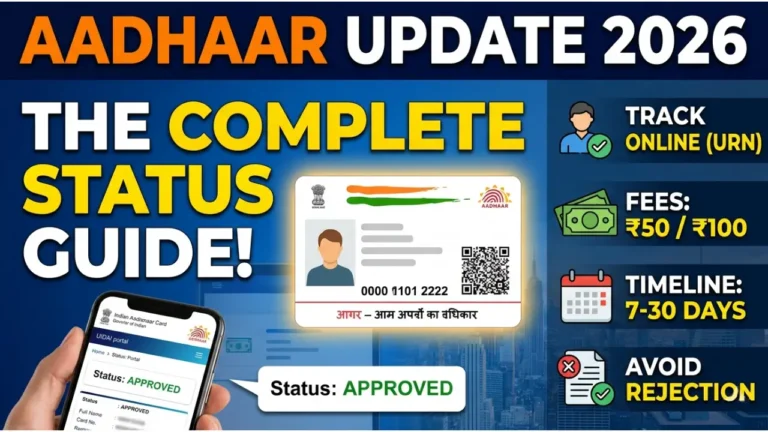
How to Track Aadhaar Update Status
After submitting your application, you can check whether the request is being processed or has been completed.
Keep your acknowledgement details available and use the status-checking facility on the myAadhaar website.
If the request is still under review, allow time for processing. Avoid submitting repeated applications for the same correction unless instructed.
Common Reasons for Aadhaar Update Rejection
Sometimes, an update request may not be accepted because the information or documents do not meet the required conditions.
Common issues include:
- Blurry or unreadable document uploads.
- Incorrect information entered in the application.
- Supporting documents that do not match the applicant’s details.
If your request is rejected, read the reason carefully and correct the issue before submitting another application.
Read More: UIDAI Bank Link Explained
When Do You Need to Visit an Aadhaar Centre?
Online services are useful, but they do not cover every Aadhaar correction.
A centre visit may be necessary when you want to update your registered mobile number, fingerprints, iris information, or photograph. Certain demographic corrections may also require in-person verification.
You can find a nearby Aadhaar centre through the official UIDAI website.
Frequently Asked Questions
Can I update my Aadhaar address online?
Yes, eligible Aadhaar holders can submit an address update request through the myAadhaar portal using the required supporting documents.
Can I change my Aadhaar mobile number from home?
Mobile number updates generally require a visit to an Aadhaar Enrolment or Update Centre.
How long does an Aadhaar update take?
Processing time varies depending on the type of request and verification requirements. You can monitor the status using your acknowledgement details.
Final Words
Keeping your Aadhaar information accurate helps avoid difficulties when using identity verification services. If your correction is eligible for online processing, the myAadhaar portal provides a convenient way to submit the request from home. For changes requiring physical verification, visiting an authorised Aadhaar centre is the appropriate next step.
Read More: UIDAI Mobile Number Link