How to Update My Aadhaar Login Details Online Through UIDAI
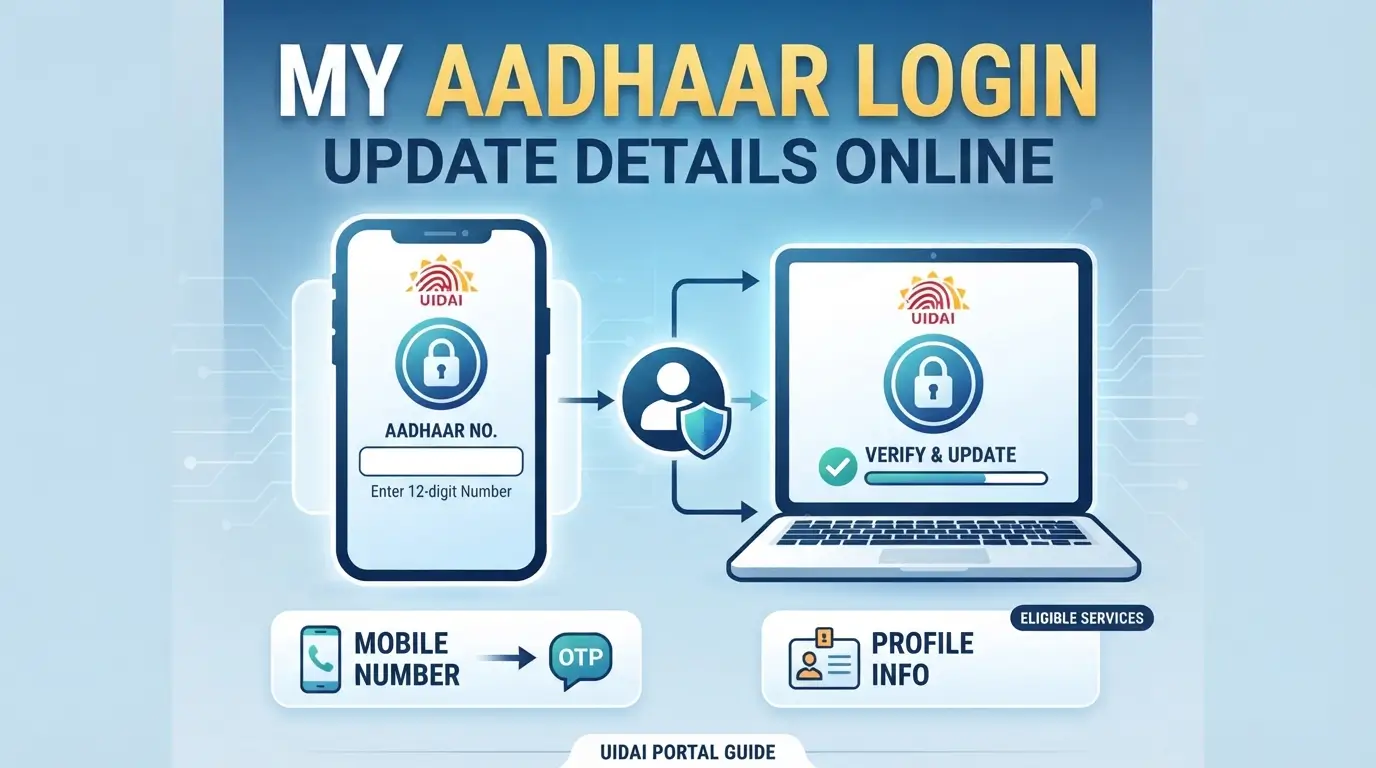
If you use the UIDAI online portal to access Aadhaar services, keeping your login information updated can make it easier to manage your account. My Aadhaar Login is used to access services such as Aadhaar updates, document-related services, authentication history, and other online facilities. Some account-related changes can be handled online, while certain details may require Aadhaar verification or a visit to an Aadhaar centre.
What Is My Aadhaar Login?
MyAadhaar is the online platform used to access several Aadhaar-related services. Aadhaar holders can sign in using their Aadhaar number and the mobile number registered with their Aadhaar.
The login process normally uses an OTP for verification. This means the registered mobile number plays an important role when accessing online Aadhaar services.
If you have recently changed your mobile number or cannot receive OTPs, you may need to resolve that issue before using online services.
Read More: UIDAI Portal Login Guide Get Your Aadhaar Account
Which Login Details Can Be Managed Online?
Not every Aadhaar-related detail is treated as a login setting. The online portal mainly uses your Aadhaar number and registered mobile number to verify your identity.
You can use the portal to access services and review available information after successful verification. If your problem is related to the registered mobile number itself, the required procedure may be different from changing ordinary profile information.
Understanding this difference can prevent confusion when trying to update your account.
How to Access My Aadhaar Login
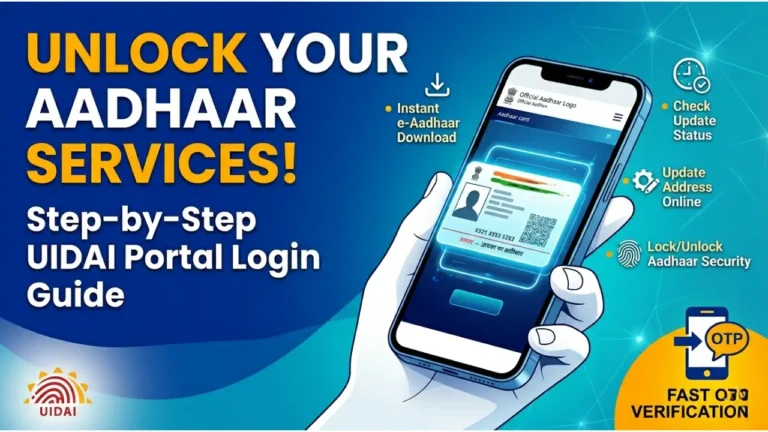
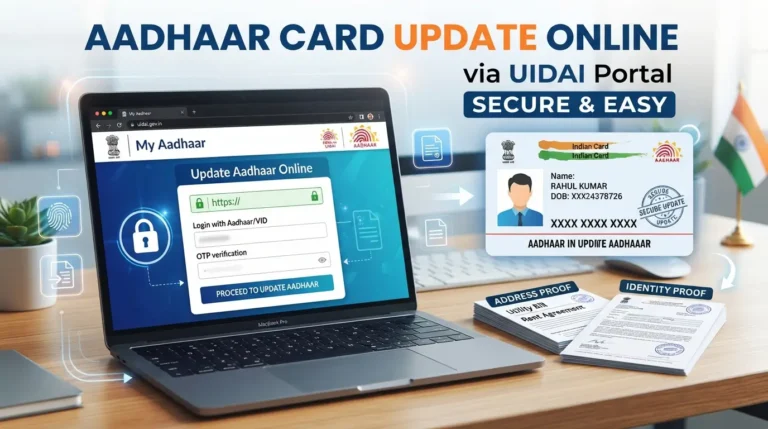
To access your Aadhaar online account, open the official UIDAI MyAadhaar portal and select the login option.
You will generally need your 12-digit Aadhaar number and access to the mobile number registered with your Aadhaar.
Follow These Steps
- Open the MyAadhaar portal on your phone or computer.
- Select the login option.
- Enter your Aadhaar number.
- Complete the security verification shown on the screen.
- Request an OTP.
- Enter the OTP received on your registered mobile number.
- Continue to the required Aadhaar service.
Always check the website address before entering your Aadhaar number or OTP.
What If My Aadhaar OTP Is Not Coming?
OTP problems are one of the common reasons people cannot complete the login process. First, check whether your phone has network coverage and whether you are using the mobile number linked with your Aadhaar.
If the OTP still does not arrive, wait for a short period before requesting another one. Repeatedly requesting OTPs within a short time can also create temporary difficulties.
If your registered mobile number is no longer active, you may need to visit an Aadhaar centre to update it.
Read More: How to Update Aadhaar Card Details
Can I Change My Aadhaar Mobile Number Online?
A mobile number connected with Aadhaar is different from a normal website password. If you have lost access to the registered mobile number, you cannot simply replace it through the login page.
A centre visit may be required for changing or registering a new mobile number. Carry the required Aadhaar information and follow the verification process provided at the centre.
For example, if Rahul moved from Delhi to Pune and stopped using the mobile number linked to his Aadhaar, he may first need to update his registered mobile number before he can use OTP-based online services normally.
Common My Aadhaar Login Problems
Login problems can happen for several simple reasons. Before trying another method, check the basic information you have entered.
- Make sure the 12-digit Aadhaar number has been entered correctly.
- Check that the mobile phone can receive SMS messages.
- Enter the latest OTP rather than an older OTP.
If the problem continues, check whether the service you are trying to use is currently available on the portal.
Read More: UIDAI Toll Free Number and Tips
My Aadhaar Login and Aadhaar Updates
The login itself does not mean that every Aadhaar detail can be changed from home. The services available after signing in depend on the type of update you need.
For example, an eligible address or document-related service may be available online, whereas biometric information generally requires an in-person process.
| Requirement | Online Access | What May Be Needed |
|---|---|---|
| Access Aadhaar services | Yes | Aadhaar number and registered mobile |
| OTP verification | Yes | Active registered mobile |
| Address-related service | Available for eligible requests | Supporting document |
| Mobile number change | Generally not through normal login | Aadhaar centre visit |
| Biometric update | No | Aadhaar centre visit |
How to Keep Your Aadhaar Login Safe
Your Aadhaar number and OTP should be treated as private information. Never share an OTP with another person claiming to be a UIDAI representative.
When using a public computer or someone else’s phone, log out after completing your work. Avoid saving your Aadhaar information or OTPs in browsers or messages that other people can access.
It is also better to use the official UIDAI portal instead of websites that ask for Aadhaar details in exchange for unofficial services.
Read More: UIDAI Complaint and Tips to Get Your Requests
Frequently Asked Questions
What is required for My Aadhaar Login?
You generally need your Aadhaar number and access to the mobile number registered with your Aadhaar so that you can complete OTP verification.
Can I log in if my registered mobile number is lost?
If you cannot receive OTPs on the mobile number registered with Aadhaar, you may need to update your mobile number through the required Aadhaar centre process before using OTP-based online services.
Is My Aadhaar Login the same as an Aadhaar update?
No. Login is the process of verifying your identity to access online services. An Aadhaar update refers to changing eligible information or submitting updated documents.
Keeping your registered mobile number active is useful for accessing Aadhaar services online. If you cannot complete My Aadhaar Login, first identify whether the issue is with your Aadhaar number, OTP, registered mobile number, or the particular service you are trying to access.
Read More: UIDAI Bank Link Explained