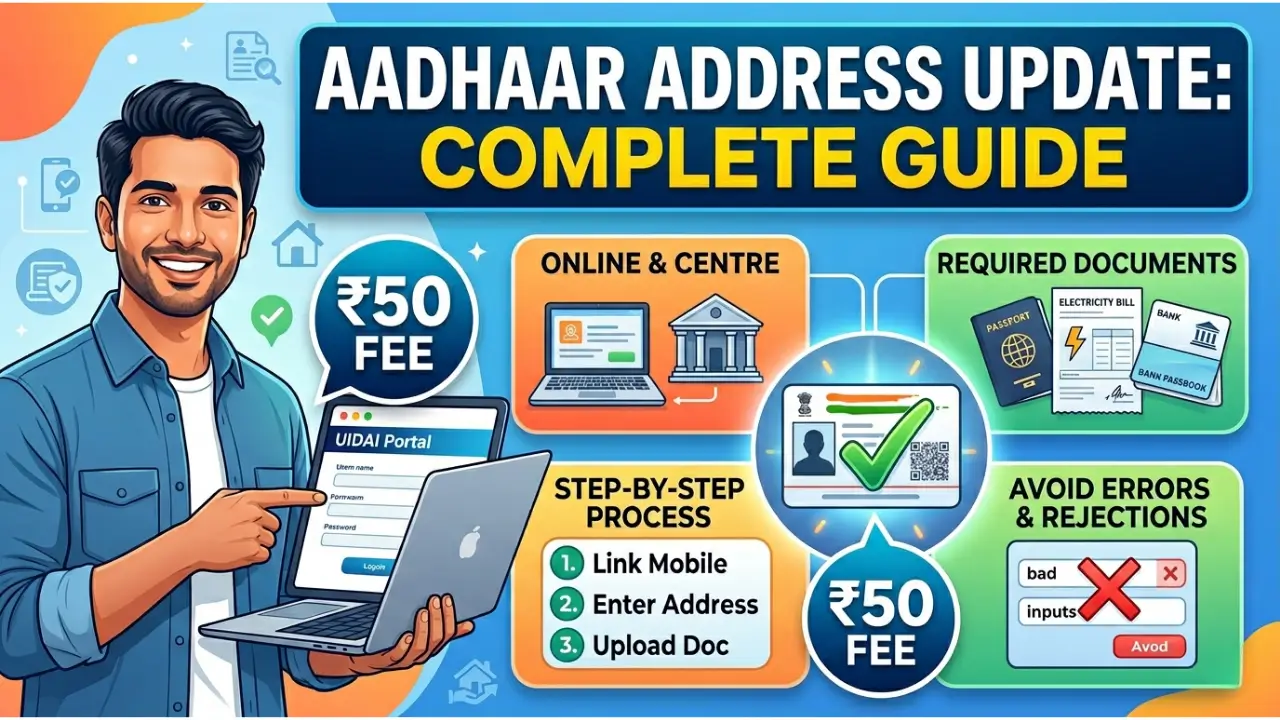
UIDAI Address Update 2026
The UIDAI Address Update process in 2026 allows Aadhaar holders to correct or change their address either online or by visiting a centre. Most people now use the online option because it is faster and can be done from home if the mobile number is linked with Aadhaar.
Whether you move to another city or shift within the same area, updating your Aadhaar address helps avoid issues in banking, SIM verification, and government services.
Read More: UIDAI Portal Login Guide
Why You Should Not Delay Address Updates
An outdated Aadhaar address can create problems in everyday situations. For example, if you move from Jaipur to Noida and your Aadhaar still shows the old address, your bank may flag your KYC.
Many people only realise the issue when their application gets rejected. Keeping your details updated helps avoid repeated paperwork.
Step-by-Step UIDAI Address Update Online
The online UIDAI Address Update method is simple if you follow the correct steps.
Steps:
- Visit the official UIDAI website
- Log in using Aadhaar number and OTP
- Select the address update option
- Enter your new address carefully
- Upload a valid proof of address
- Submit and note your Update Request Number
Always check spelling and format before submitting. Even small mistakes can lead to rejection.
Read More: Aadhaar Card Download
Documents Needed for Address Update
To complete the Address Update, you need a valid document that clearly shows your current address.
Commonly accepted documents include:
- Passport
- Bank statement or passbook
- Electricity bill
- Registered rent agreement
For example, if you are living in a rented flat in Bengaluru, your rent agreement should include your full name and correct address details.
Updating Address Without Documents
In some cases, people may not have address proof in their own name. The Address Update system allows the Head of Family (HOF) method in such situations.
This works well for students or homemakers. For instance, a student staying with parents in Mumbai can update the address using a parent’s Aadhaar with consent.
Read More: Aadhaar Card Status
Charges and Processing Time
Here is a simple breakdown of costs and timelines for Address Update:
| Service Type | Fee (Approx) | Time Taken |
|---|---|---|
| Online update | ₹50 | 2 to 8 weeks |
| Centre-based update | ₹50 | 2 to 8 weeks |
| Biometric update (if needed) | ₹100 | Case-based |
The time may vary depending on document verification and accuracy of details submitted.
Common Errors During Address Update
Many requests get rejected due to avoidable mistakes. The most common issues are:
- Address mismatch between form and document
- Unclear or blurred document upload
- Using documents without your name
Checking these details before submission can save time and effort.
Offline Method for Address Update
If you prefer offline services, you can visit an Aadhaar Seva Kendra for Address Update. Carry original documents, which will be scanned and returned.
This option is still useful in smaller towns where online access may not be reliable.
Read More: Aadhaar Enrolment
Important Points to Remember
Before starting the Address Update process, keep these key points in mind:
- Aadhaar number remains unchanged after update
- Address can be updated multiple times if needed
- Mobile number must be active for OTP verification
These basic rules apply to all types of address update requests.
FAQs
1. Can I complete Address Update from home?
Yes, you can use the online method if your Aadhaar is linked with a mobile number and you have valid documents.
2. How long does UIDAI Address Update take?
It usually takes between 2 to 8 weeks, depending on verification.
3. What if my update request fails?
You can correct the mistake and apply again with proper details and documents.
Final Words
The UIDAI Address Update process is straightforward but requires careful attention to detail. Whether you apply online or offline, correct information and clear documents make the biggest difference. Keeping your Aadhaar address updated helps avoid unnecessary problems in daily transactions and official work.