The Aadhaar card is a vital 12-digit identification number issued by the Unique Identification Authority of India (UIDAI). Monitoring your Aadhaar Card Status is crucial to ensure that your application or updates are processed on time, granting seamless access to government services, banking, and other facilities.
This guide provides a complete walkthrough to check your Aadhar Card Status efficiently using multiple platforms.
Aadhaar Enrolment and Update Status
After enrolling at an Aadhaar Seva Kendra (ASK) or Permanent Enrolment Centre (PEC), every applicant receives a 28-digit Enrolment ID (EID) on an acknowledgment slip. Similarly, for updates (like name, address, or mobile number), UIDAI provides an Update Request Number (URN).
- Enrolment Status: Confirms if your Aadhaar number has been generated. Typically processed within 10–90 days.
- Update Status: Shows whether requested changes have been applied, usually within 10–30 days.
Both tracking services are completely free, and UIDAI offers secure platforms including its official website, mobile apps, and toll-free support.
Requirements to Track Aadhaar Card Status
Before checking your status, keep the following ready:
- Enrolment ID (EID): 28-digit number from your enrolment slip.
- Update Request Number (URN): 14-digit number for updates.
- Aadhaar Number: Your 12-digit UID if EID/URN is unavailable.
- Registered Mobile Number: Linked to Aadhar for OTP verification.
- Acknowledgment Slip: Contains your EID/URN for reference.
If your EID/URN is missing or mobile number unregistered, alternative methods are available.
Ways to Check Aadhar Card Status
You can track your Aadhaar Card Status using the following methods:
1. Through the UIDAI Website (myAadhaar Portal)
The official portal is the primary tool for checking enrolment and update status:
- Open myAadhaar UIDAI portal.
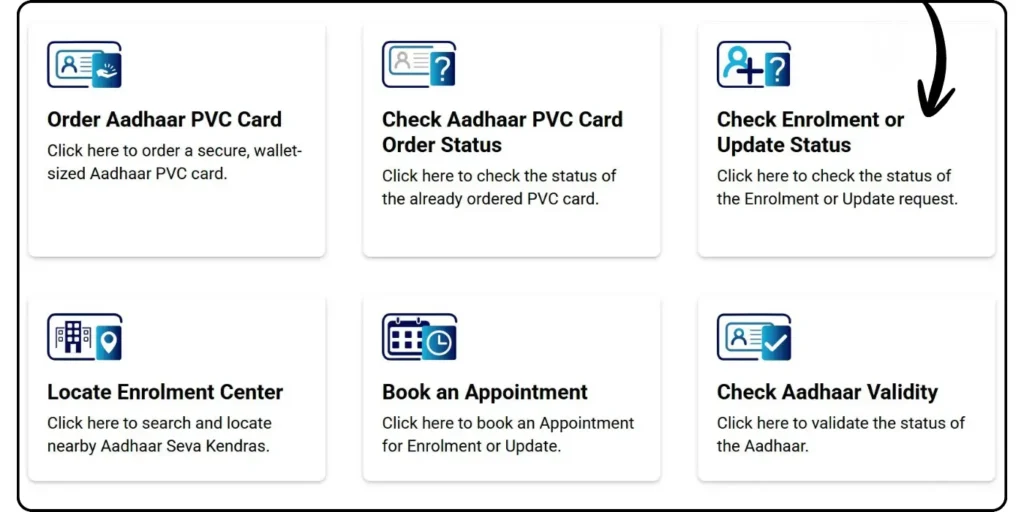
- Navigate to “Check Enrolment / Update Status”.
- Enter your 28-digit EID or URN, and input the captcha code.
- Click Submit to view your progress, e.g., “Under Processing” or “Aadhaar Generated.”
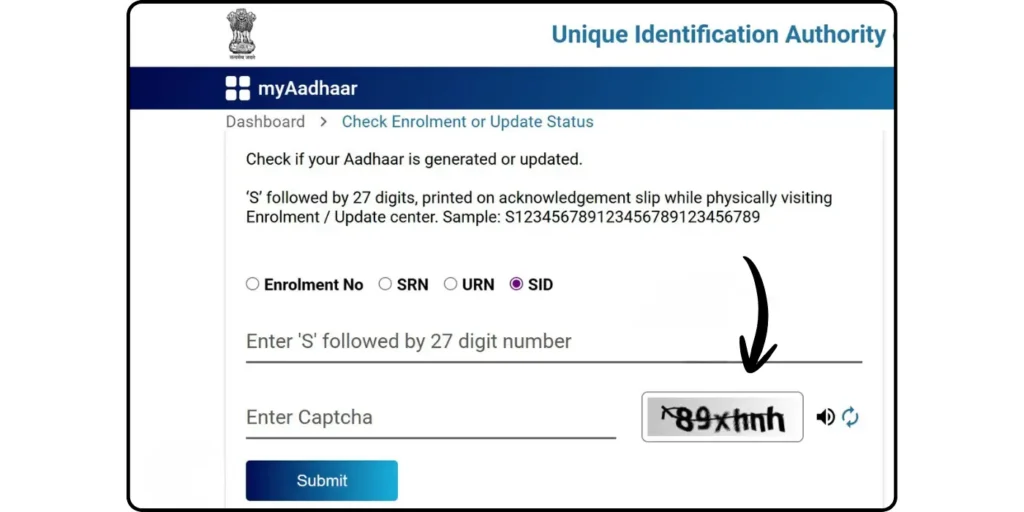
Processing Time: Typically 10–90 days for Aadhaar generation. SMS or email alerts are sent if provided.
2. Using the mAadhaar App
The mobile app provides a convenient way to check your status:
- Download the mAadhaar app from Google Play Store or App Store.
- Select your preferred language.
- Open “Enrolment & Update Status” from the dashboard.
- Enter your 28-digit EID and captcha code.
- Tap Check Status to see progress.
Extra Features: Once generated, you can download e-Aadhaar PDF via OTP or TOTP verification.
3. UMANG App Integration
The UMANG app connects Aadhaar services with other government facilities:
- Install UMANG from Google Play Store, App Store, or access web.umang.gov.in.
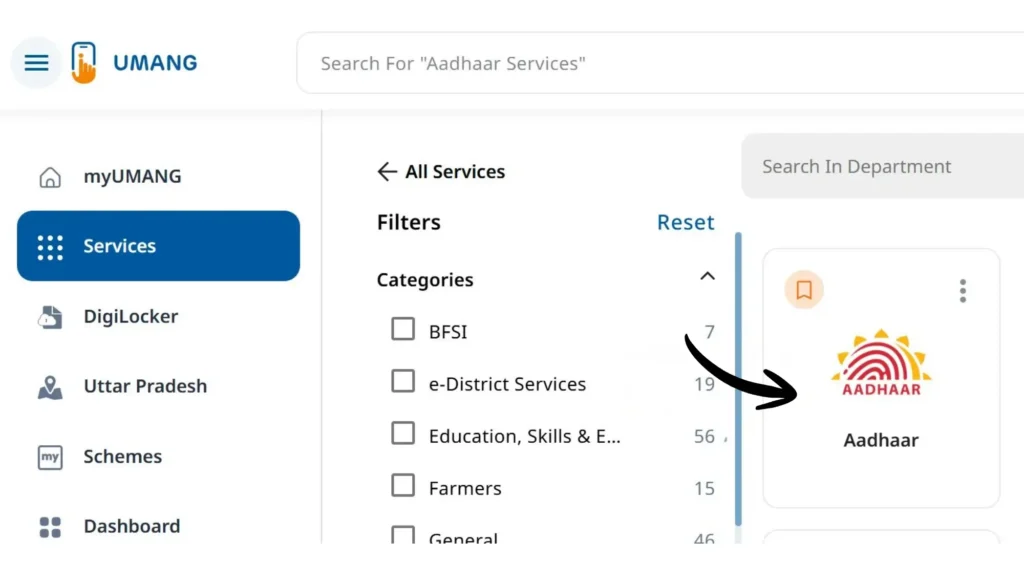
- Register/log in using mobile number or email with OTP verification.
- Navigate to Aaadhaar → Check Enrolment & Update Status.
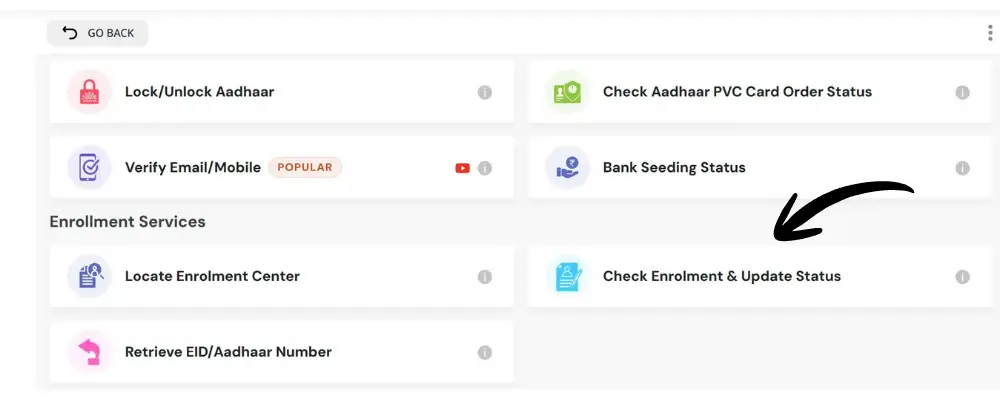
- Enter your EID and captcha, then click Submit.
You can download your e-Aadhaar after verification.
4. Via Toll-Free Helpline
Dial 1947 from your registered mobile:
- Press 1 for enrollment and update status.
- Enter your EID when prompted.
- IVR will provide the current status of your application.
Tip: Always keep your acknowledgement slip for reference.
Recovering Lost EID or URN
If you’ve misplaced your slip:
- Visit the UIDAI portal and select Retrieve EID / Aadhaar Number.
- Enter your full name, registered mobile/email, and captcha.
- Verify via OTP.
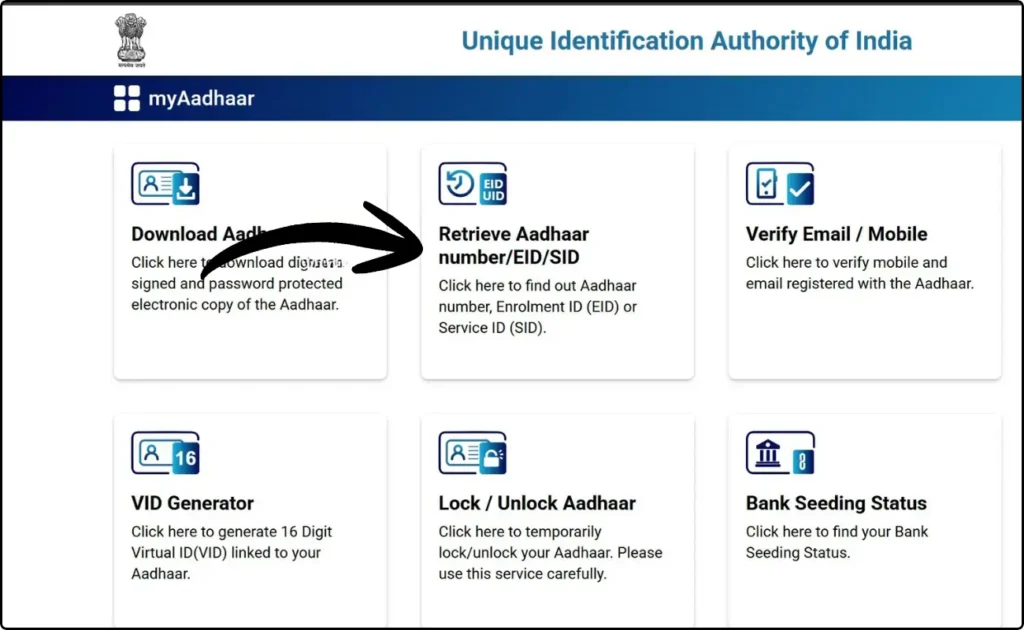
Your EID or Aadhaar number will be sent via SMS/email. Use it to track your Aadhaar Card Status or download e-Aadhaar.
Printing Aadhaar
Once your Aadhaar is generated:
- Download e-Aadhaar PDF from myAadhaar portal or mAadhaar app.
- Open PDF using the password (first four letters of your name in uppercase + birth year, e.g., RAHU1990).
- Print the PDF for physical use; it is legally equivalent to the original card.
FAQs
Q1: How do I check my Aadhaar Status online?
You can check using your Enrollment ID (EID) or Service Request Number (SRN) on the myAadhaar portal.
Q2: What if I don’t have my EID?
Retrieve it via registered mobile/email by verifying your name and mobile number with OTP.
Q3: How long until Aadhaar becomes active?
Normally within 5–15 working days, but may take up to 90 days if verification is needed.
Q4: Can I check status via mobile app?
Yes, both mAadhaar and UMANG apps allow checking enrollment and update progress with OTP verification.
Q5: Is checking status free?
Yes, UIDAI does not charge for tracking Aadhaar Card Status.